
School Lockers
Convenient, secure storage for pupils at St David’s College.
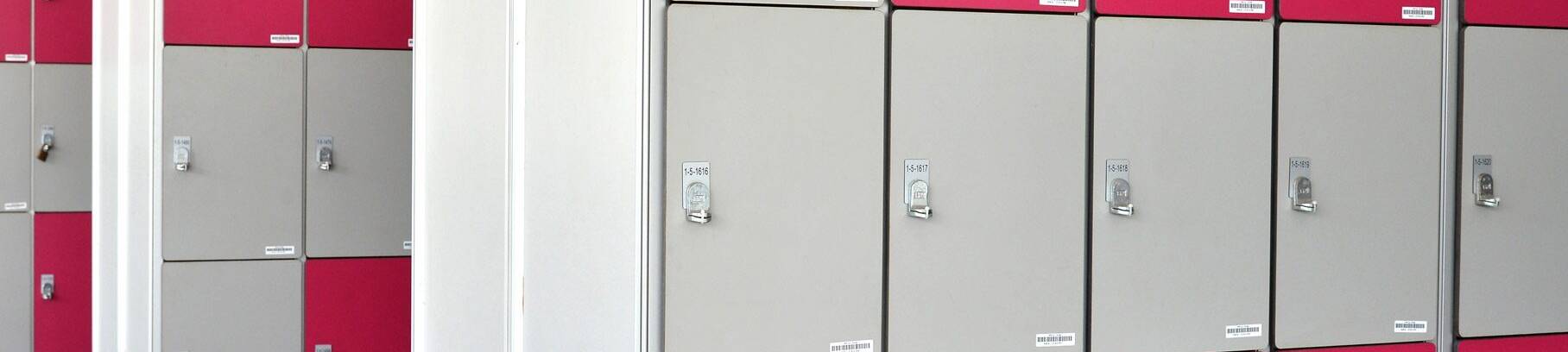
We’re pleased to be introducing new lockers at St David’s College in partnership with Locker Space.
The lockers will give pupils a secure and convenient place to store their belongings during the school day.
Before bookings open, we’re asking parents and carers to register their interest so that Locker Space can understand how many lockers will be required.
Register your interest
Registration is now open through the free Locker Space app.
There is nothing to pay at this stage, and registering your interest does not reserve a locker.
How to register
- Download the free Locker Space app from the App Store or Google Play.
- Select “Register your interest for St David’s College, Llandudno”.
- Verify your email address using the six-digit code sent to you.
- Enter your details, select your child’s year group and tell Locker Space how many lockers you may require.
- Select “Email me when bookings open” if you would like to be notified when lockers become available.

You can amend or withdraw your registration of interest through the app.
How much will a locker cost?
Locker rental will normally cost £33 per academic year.
For this academic year, the price will be £29, reflecting the fact that the lockers will arrive after the October half-term.
When can I book a locker?
Bookings are expected to open during the October half-term.
If you select “Email me when bookings open” when registering your interest, Locker Space will contact you when bookings become available.
Registering your interest does not reserve a locker and no payment is required until bookings open.
Who manages the lockers?
The lockers are supplied and managed by Locker Space.
Registration, bookings and payments are handled directly by Locker Space rather than St David’s College.
For questions about the lockers, please contact:
info@lockerspace.co.uk
You can also contact Locker Space via WhatsApp through the Help section of the app.